
Cord-cutting starter pack — Quick guide
Everything you need to move from cable to online streaming: devices, bundles, costs, and a step-by-step checklist tailored for viewers in the USA.
Why cut the cord?
Cord cutting reduces monthly bills, frees you from long contracts, and lets you tailor a streaming stack to the channels and content you actually watch. For many households, this means better value and more control.
- Lower average monthly spend
- Pick on-demand and live options
- Works with most internet providers in the USA

Starter kit: Devices & essentials

Streaming stick / dongle
Affordable, portable — ideal for living room or travel.
Smart TV
Built-in apps and voice control for simplified setup.
Reliable router / 5 GHz Wi‑Fi
Stability for 4K streaming and multiple devices.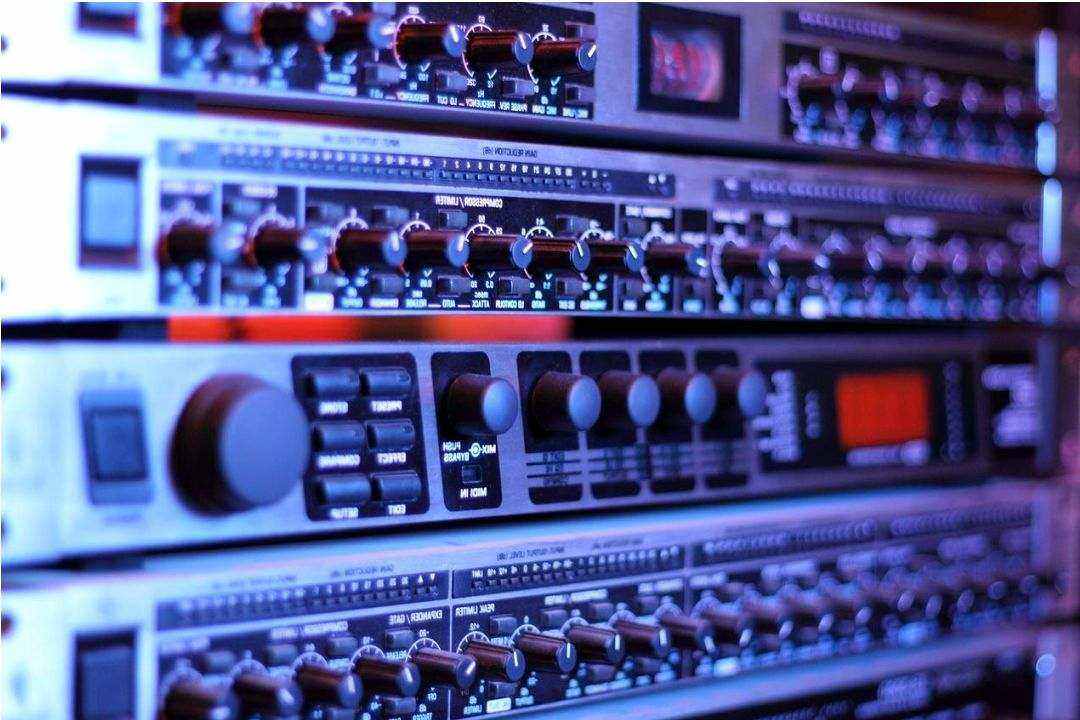
Ethernet or mesh extenders
Fixes weak signal spots for seamless playback.Essentials comparison — live & on-demand
| Service | Type | Avg. monthly | Live TV | Key advantage |
|---|---|---|---|---|
| Prime/Netflix-type | On‑demand | $6–$16 | *** | Large catalog & originals |
| Hulu (w/ Live option) | On‑demand + Live | $8–$70 | Optional | Mix of live channels and on‑demand |
| YouTube TV / Sling | Live TV | $25–$75 | Yes | Local channels & cloud DVR |
| Free ad-supported | Free / AVOD | $0 | Sometimes | Cost savings; ad-supported content |
FAQ — Quick answers
Yes — typically 25 Mbps or higher per 4K stream. For households with multiple streams, add bandwidth accordingly.
Yes — use an antenna for over-the-air locals or pick a live‑TV streaming plan that includes local affiliates in your market.
Most live streaming services offer cloud DVR; check storage limits and simultaneous recording support before choosing a plan.
Setup checklist — first 7 days
- Test internet speed and upgrade if under 25 Mbps per 4K stream.
- Choose a primary on‑demand service and a live option if you need channels.
- Buy or repurpose a streaming stick or use your Smart TV's apps.
- Install an antenna for local feeds if desired.
- Configure DVR/cloud recordings and parental controls.
- Compare total monthly cost vs. current cable bill.

Alex M., Streaming Guide
"Start with your viewing habits, not the marketing. Build small and add only what you use."
Further reading & tools

Bundle tips
How to combine services for best value.

Cost calculator
Estimate monthly spend for your stack.

Local channel guide
Find over-the-air options in your area.